
Diagnostic sequence
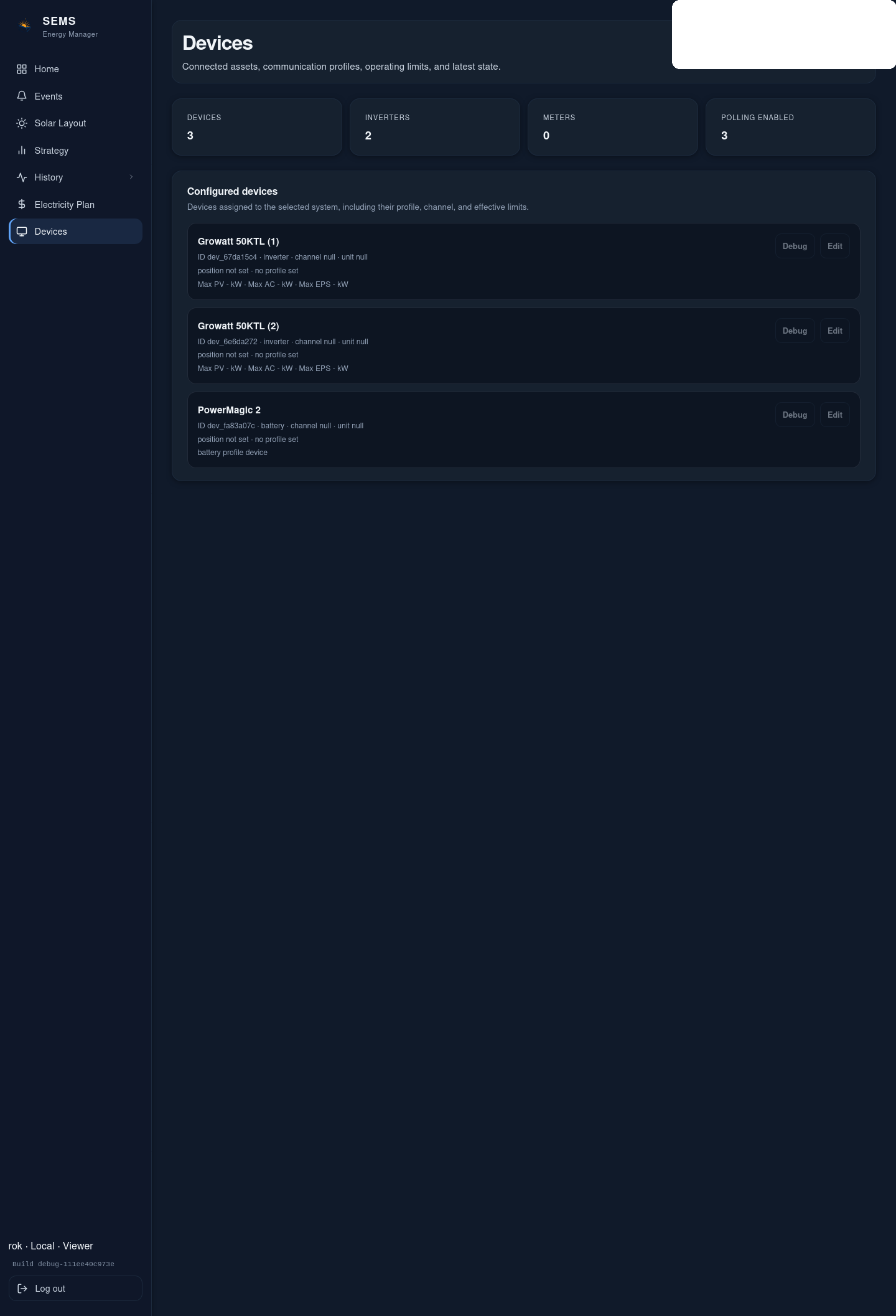
- Confirm the device is powered and locally healthy.
- Confirm the SEMS device type/profile is correct.
- Confirm the transport is correct:
- Modbus TCP vs
- Modbus RTU / RS485
- Verify the address:
- IP and TCP port for network devices
- slave ID for serial devices
- Verify serial settings where applicable:
- baud rate
- parity
- stop bits
- Check for duplicate slave IDs on the same RS485 bus.
- Confirm device-side Modbus access is enabled.
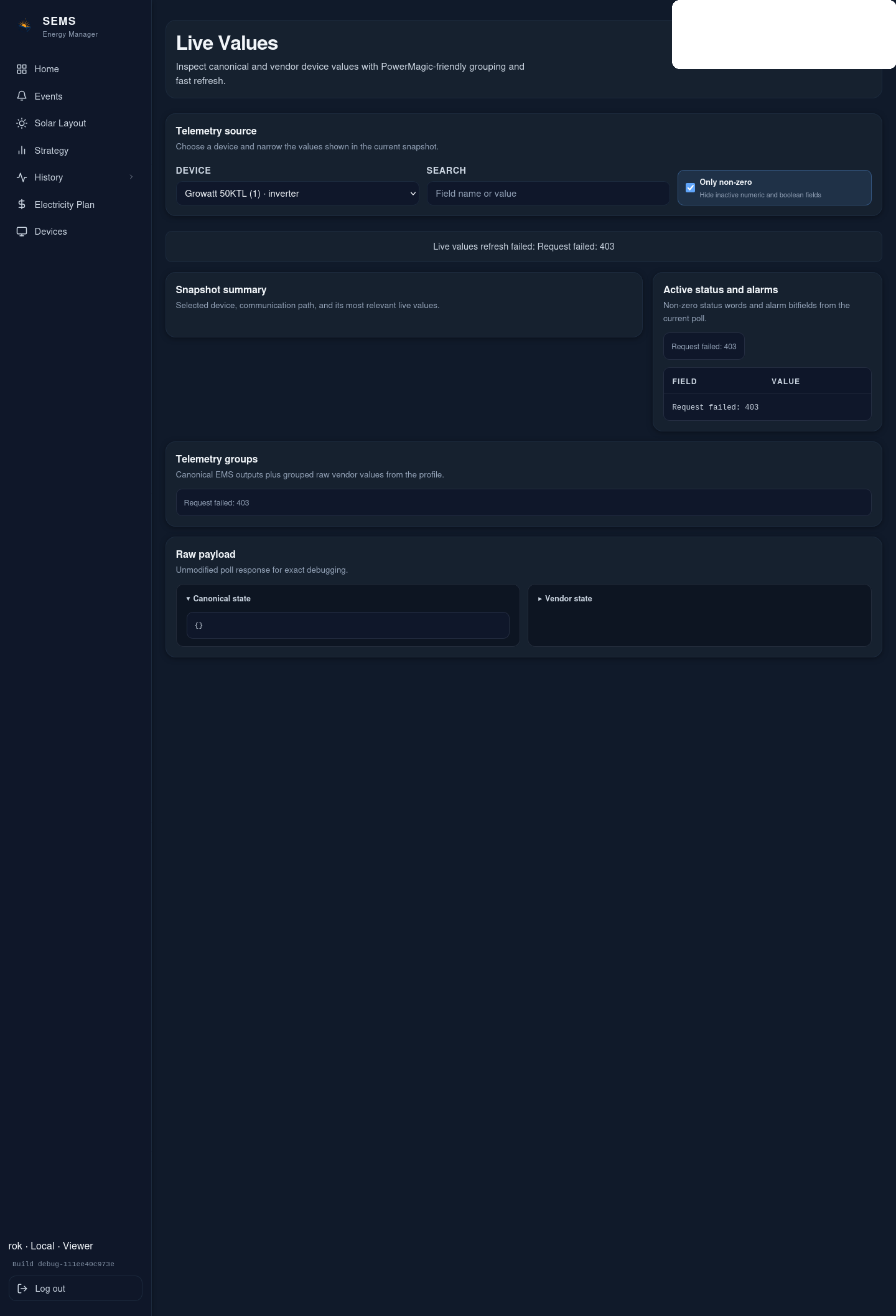
- Retry polling and review the event history for repeated communication failures.
When to stop
If the physical layer or device-side protocol enablement is unknown, stop and verify the vendor-side configuration before changing higher-level SEMS settings again.
Was this helpful?
Did this article answer your question?
Feedback saved on this device. If you still need help, contact CyberSun support.