
Purpose
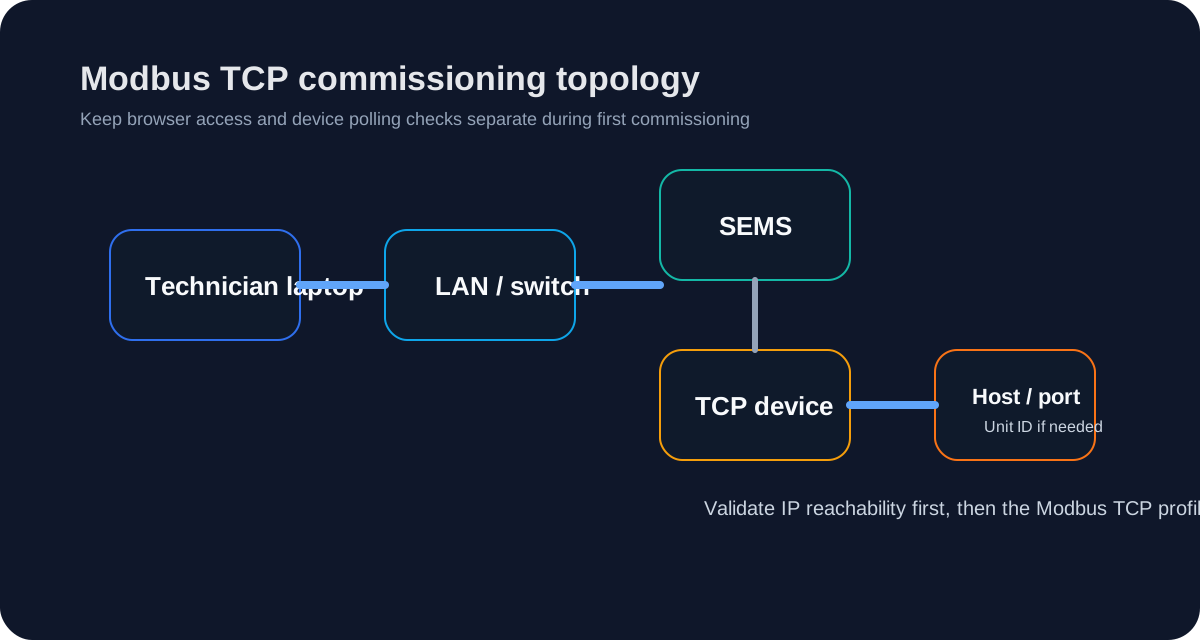
Use this guide when the target SEMS device integration communicates over Modbus TCP.
Required inputs
- IP address
- TCP port
- unit ID / slave ID where the device requires it
- correct SEMS device profile
Commissioning procedure
- Confirm the device is reachable on the intended IP network.
- Confirm the TCP port from the device-side configuration.
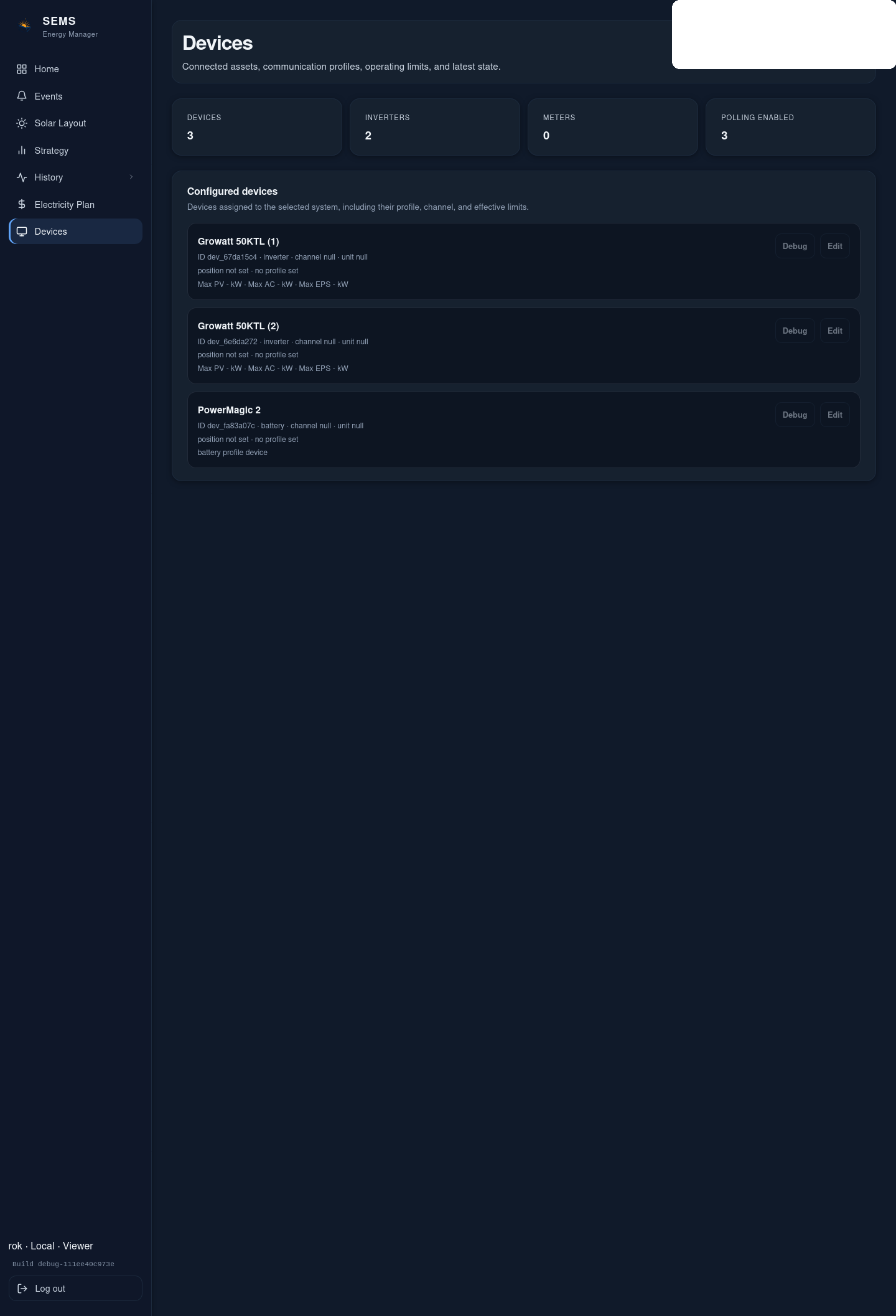
- Enter host, port and unit ID in the SEMS device form.
- Save the device and verify polling.
- Validate at least one known live measurement.
Typical failure causes
- wrong IP address
- wrong TCP port
- wrong profile
- wrong unit ID
- firewall or client isolation on the site network
Public support boundary
Public support guidance may explain the commissioning method. It must not invent unpublished register maps or vendor behavior that has not been reviewed for the target device family.
Was this helpful?
Did this article answer your question?
Feedback saved on this device. If you still need help, contact CyberSun support.