
Purpose
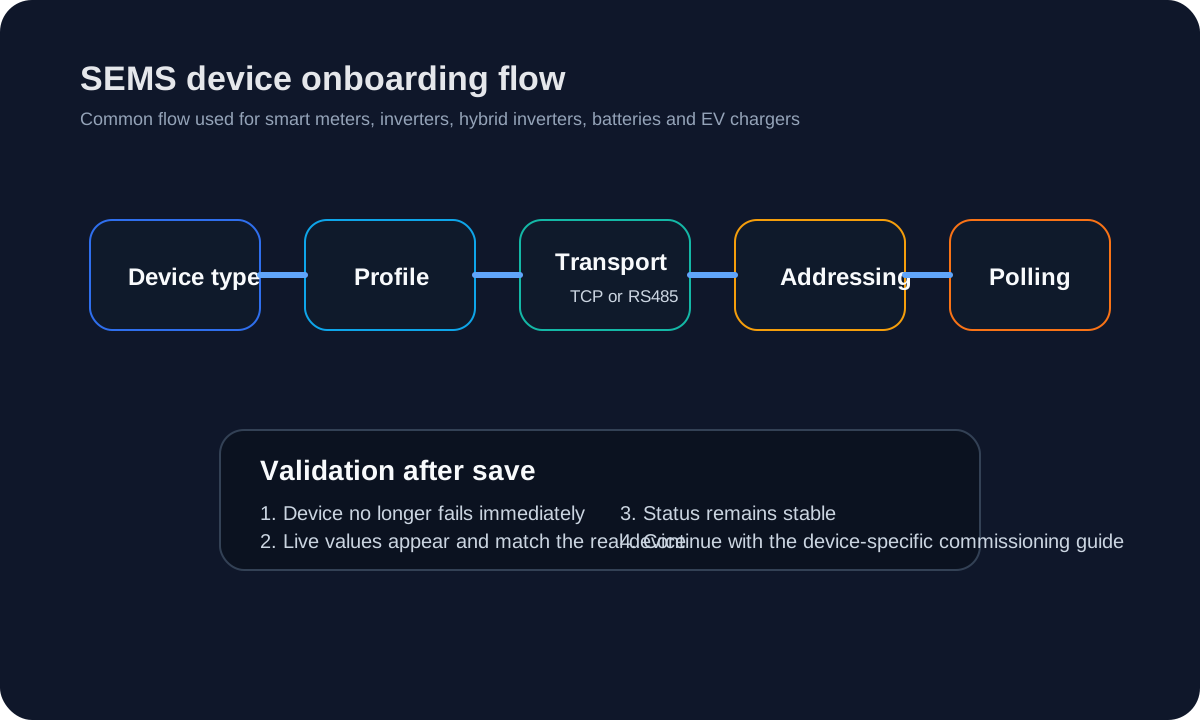
This guide explains the common SEMS device-creation workflow that the current UI exposes for meters, inverters, hybrid inverters, batteries and EV chargers.
Current device form fields
The current inspected device-management UI exposes the following verified field groups:
- Device name
- Device type
- Profile
- Connection
- Channel / TCP endpoint
- TCP host and TCP port
- Unit ID
- RS485 parameters such as baud rate, parity, stop bits and byte size
- Polling enable and polling interval
Public documentation can therefore refer to these fields directly.
General procedure
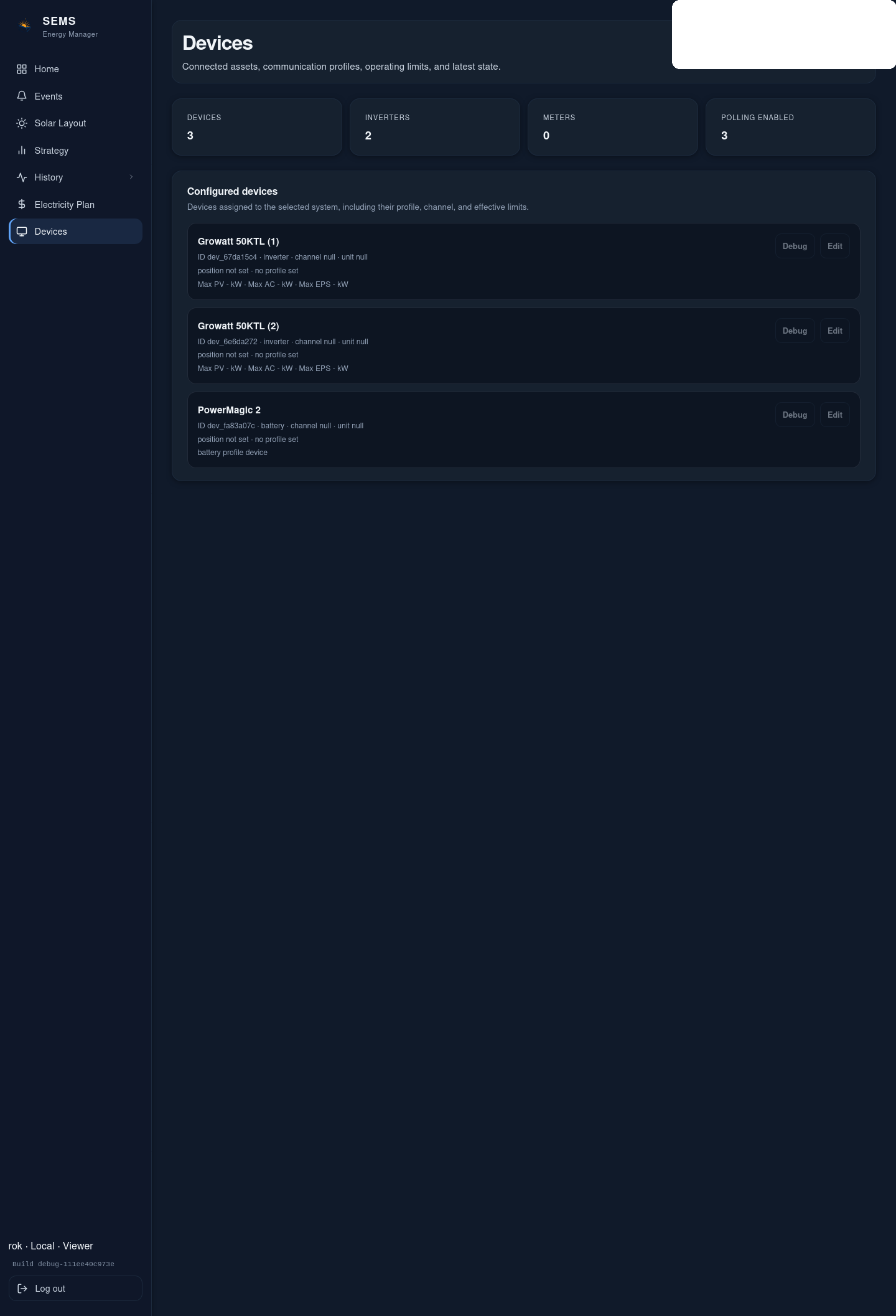
- Open the Devices page.
- Select Create device.
- Enter a meaningful device name.
- Select the correct device type.
- Select the reviewed device profile.
- Choose the transport:
- Modbus TCP for IP devices
- serial / RS485 for RTU devices
- Enter the communication parameters:
- host and TCP port for network devices
- channel/port and serial settings for RS485 devices
- unit ID / slave ID where required
- Save the device.
- Poll or refresh the device list and verify live communication.
Modbus TCP vs Modbus RTU
Modbus TCP
Use when the device is reachable by IP address and port.
Typical required inputs:
- host
- TCP port
- unit ID where the vendor requires it
Modbus RTU / RS485
Use when the device is on a serial bus.
Typical required inputs:
- serial channel or RS485 port
- baud rate
- parity
- stop bits
- unit ID
Validation after saving
After creating the device:
- confirm that polling does not immediately fail;
- confirm the device status becomes live/healthy;
- verify at least one expected measurement against the device itself;
- continue with the device-specific commissioning guide where available.
Discovery boundary
The current product includes bounded, read-only discovery support in the setup flow. Public documentation must keep the current boundary explicit: discovery does not automatically enable or activate control by itself.
Was this helpful?
Did this article answer your question?
Feedback saved on this device. If you still need help, contact CyberSun support.