
Purpose
This article documents the verified SEMS commissioning path that is visible in the current product UI and backend.
Before you begin
- the controller is physically installed and powered;
- you can log in to the local web interface;
- IP plan, slave IDs and target device profiles are known;
- the smart meter, inverter and BESS communication settings are available.
Current setup wizard flow
The currently inspected setup wizard uses the following steps:
- Welcome and board overview
- Site and locale
- Network interfaces
- System update
- Devices and systems
- Electricity plan
- Strategy and safety review
- Review and finish
These step names come from the current UI and backend-owned wizard definition.
Commissioning procedure
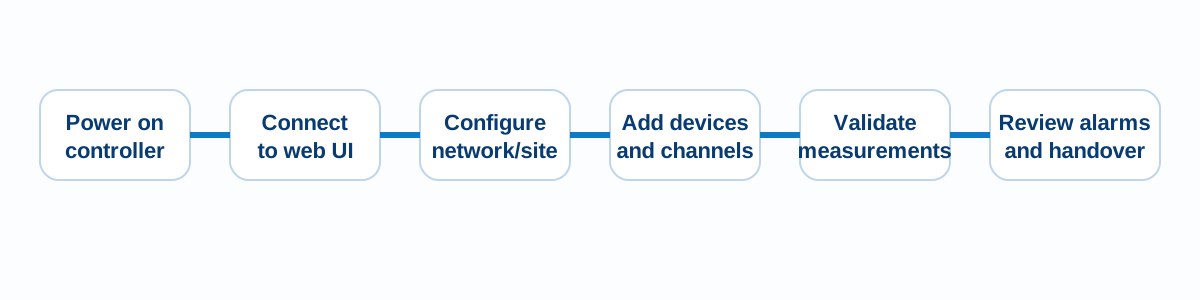
- Power on the SEMS controller.
- Connect to the web interface and log in.
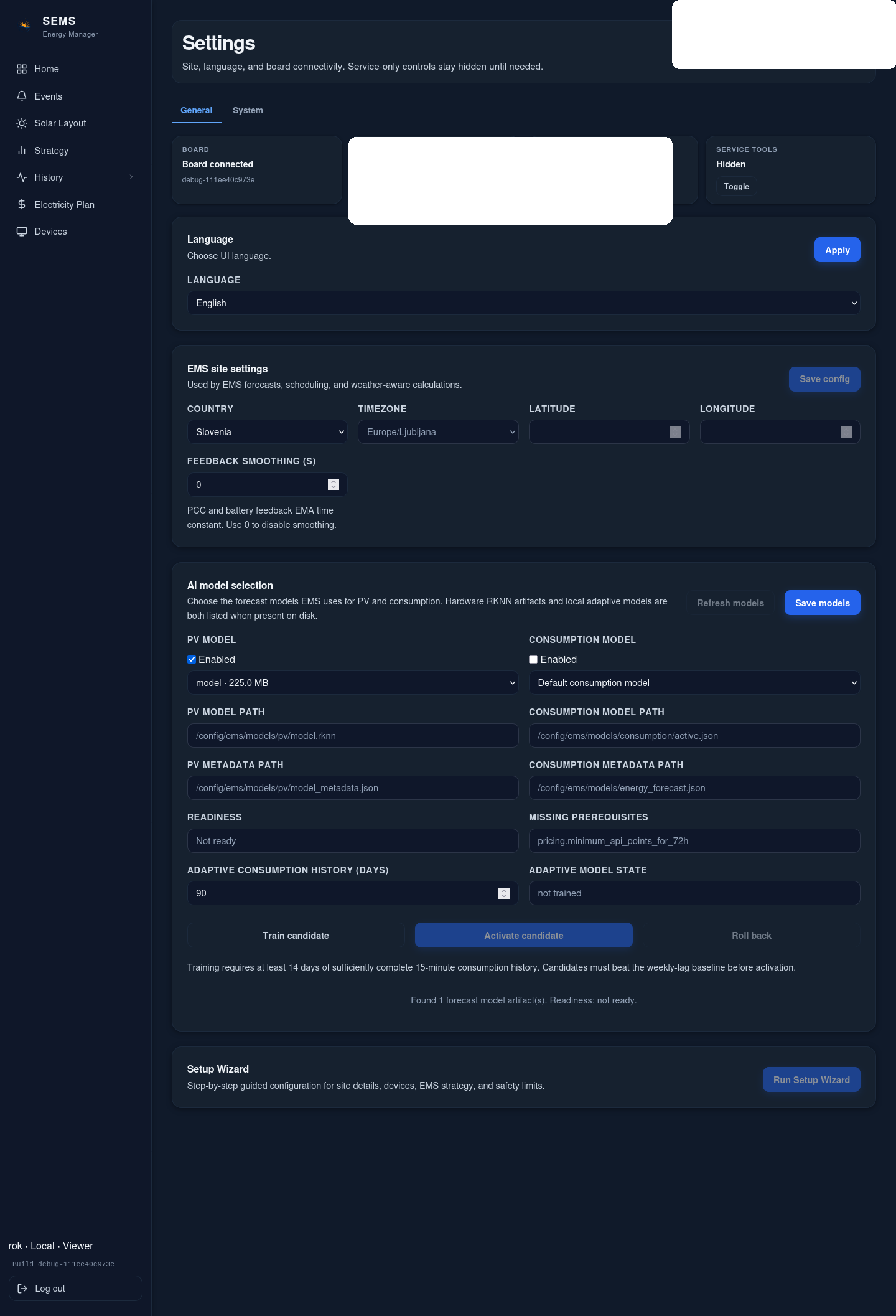
- Open the setup wizard or the corresponding settings pages.
- Confirm site and locale settings.
- Review and apply network settings.
- Add the smart meter first.
- Add the PV inverter or hybrid inverter.
- Add the battery/BESS path where applicable.
- Verify communication status for each device.
- Confirm live measurements and sign/direction plausibility.
- Review alarms and event status.
- Save the configuration and capture a backup/support artifact where required by project procedure.
Expected result
At the end of first commissioning:
- the controller is reachable on the intended network;
- required devices have been created with the correct interface/profile;
- live values are visible;
- import/export and battery directions have been checked;
- the site can move into monitored operation.
What this article does not claim
The current public evidence does not support a universal step-by-step field-device wiring procedure for every supported inverter, meter or battery family. Device-specific physical commissioning remains dependent on the reviewed vendor guide and approved CyberSun integration scope.
Was this helpful?
Did this article answer your question?
Feedback saved on this device. If you still need help, contact CyberSun support.